How to Sell Music Online: A Complete Guide for Independent Artists
The fastest way to sell music online is to combine streaming royalties (via a distributor that gets your music onto Spotify, Apple Music, and other platforms), direct downloads (via Bandcamp or the iTunes Store), and direct-to-fan sales (via your own store, merch bundles, or platforms like Patreon). Most successful independent artists use two or three of these channels at once rather than relying on a single source of income.
There's no single "best" place to sell music online — there's a best combination, depending on your genre, your fanbase, and how much control you want over pricing and fan data. This guide breaks down every real channel available to independent artists in 2026, what you need to prepare before you sell anything, and how to set it all up without wasting time or money.
The Four Ways Artists Actually Sell Music Online
1. Streaming Royalties (Spotify, Apple Music, Amazon Music, etc.)
Streaming isn't a "sale" in the traditional sense — fans don't buy your song, they stream it, and you earn a fraction of a cent per stream from royalty pools. But for most artists in 2026, streaming is the primary revenue channel and the main way new fans discover your music.
You can't upload directly to Spotify or Apple Music as an independent artist. You need a music distributor — a service that delivers your tracks to every major streaming platform, collects your royalties, and pays you out. This is where a platform like Banger comes in: you upload once, and your release goes out to Spotify, Apple Music, Amazon Music, YouTube Music, TikTok, and dozens of other services.
For the full walkthroughs, see how to upload music to Spotify, how to upload music to Apple Music, and how to upload music to YouTube Music. If you want to understand what streaming actually pays, read how much does Spotify pay per stream.
2. Direct Downloads (Bandcamp, iTunes/Apple Music Store)
Downloads still matter, especially for genres with engaged collector fanbases (electronic, metal, hip-hop, indie). Two main paths:
- Bandcamp — You upload directly, set your own price (including "name your price" or free-with-email options), and keep the vast majority of revenue after payment processing fees. Bandcamp is artist-friendly and doesn't require a distributor.
- iTunes Store / Apple Music downloads — Delivered through the same distributor you use for streaming. When you distribute through Banger, your release can be made available for purchase on the iTunes Store in addition to streaming on Apple Music.
Bandcamp is worth running in parallel with streaming because it captures fans who want to directly support you with a real purchase, often around a release or tour date.
3. Direct-to-Fan Sales
This is where you keep the largest share of revenue because there's no platform or label taking a cut beyond payment processing. Options include:
- Selling downloads or lossless files directly from your own website or link-in-bio page
- Bundling music with merch (t-shirts, vinyl, cassettes, posters)
- Fan subscription platforms (Patreon, Bandcamp Fan subscriptions) for exclusive tracks, stems, or early access
- Pay-what-you-want digital releases tied to email list signups
Direct-to-fan works best once you already have an audience. It's not usually a discovery channel — it's a monetization channel for people who already know your music.
4. Selling Beats and Instrumentals
If you produce beats, you have a separate market entirely: beat marketplaces and licensing platforms where producers sell non-exclusive or exclusive licenses to other artists. This runs on a completely different model than song distribution — you're licensing usage rights, not distributing a finished single. If you're a producer working with vocalists or licensing your beats out, it's worth understanding the legal side before you sell anything. See beat licensing and sampling 101 for how licensing tiers, exclusivity, and pricing typically work.
What You Need Before You Sell Music Online
Before you upload anything to a distributor or storefront, get these five things in order. Skipping this step is the #1 reason releases get delayed or rejected.
1. A Final, Mastered Mix
Your track needs to be a finished master — not a rough mix, not a demo. Most distributors and streaming platforms expect WAV files (16-bit/44.1kHz minimum, though 24-bit is increasingly standard) rather than MP3s, since MP3 is a lossy format that degrades quality.
2. Cover Art That Meets Platform Specs
Every platform requires a square image, typically at minimum 3000x3000px, with no blurry text, no social handles or website URLs embedded in the image, and no borders. Cover art gets your release rejected more often than almost anything else. If you're unsure what makes cover art work both technically and visually, see the album cover art guide.
3. An ISRC Code
An ISRC (International Standard Recording Code) is a unique 12-character identifier assigned to each individual recording. It's how streaming platforms track plays and attribute royalties to you specifically — without one, your streams can't be counted correctly. Most distributors, including Banger, generate ISRCs for you automatically as part of the distribution process. Learn more in what is an ISRC code.
4. Songwriter and Publishing Info
If you write your own music, you're owed both a "master" royalty (from the recording) and a "publishing" royalty (from the composition). To collect the publishing side, you'll eventually need to register with a Performance Rights Organization and understand how the MLC and SoundExchange handle mechanical and digital performance royalties in the US. It also helps to understand writer's share vs. publisher's share before you start collecting. This isn't required to distribute a song, but it directly affects how much money you actually collect. For the fundamentals, see music publishing 101 and music copyright 101.
5. Clean Rights (Especially for Covers and Samples)
If your track contains a sample or is a cover of someone else's song, you need to clear that usage before you sell it — this applies even to digital-only releases. See how to license a cover song for the process, and check whether your lyrics need an explicit vs. clean version tagged correctly, since platforms require accurate content flags.
Step-by-Step: Selling Your Music Online
- Finish and master your track, and export a WAV file.
- Design or commission cover art that meets platform specs.
- Clear any samples or cover rights if applicable.
- Choose a distributor to handle streaming and download delivery — see best music distribution services for a full comparison.
- Upload your release, fill in metadata (artist name, track title, release date, genre, ISRC, explicit/clean tag), and submit for review.
- Set up Bandcamp or a direct storefront in parallel if you want to sell downloads directly.
- Claim your artist profiles — Spotify for Artists, Apple Music for Artists — as soon as your release goes live, so you can access analytics and pitch playlists.
- Promote the release across social platforms and your email list before and after launch. See music marketing strategies and how to get your first 1,000 streams on Spotify.
Comparing Where Your Revenue Actually Comes From
| Channel | Typical Revenue Per Sale/Stream | Control Over Pricing | Discovery Potential |
|---|---|---|---|
| Streaming (Spotify, Apple Music, etc.) | Fraction of a cent per stream | None | High |
| Bandcamp downloads | Majority of sale price minus processing fees | Full | Low-Medium |
| Direct-to-fan / merch bundles | Highest per-unit revenue | Full | Low |
| Beat licensing | Varies by license tier | Full | Medium (niche) |
How Banger Fits In
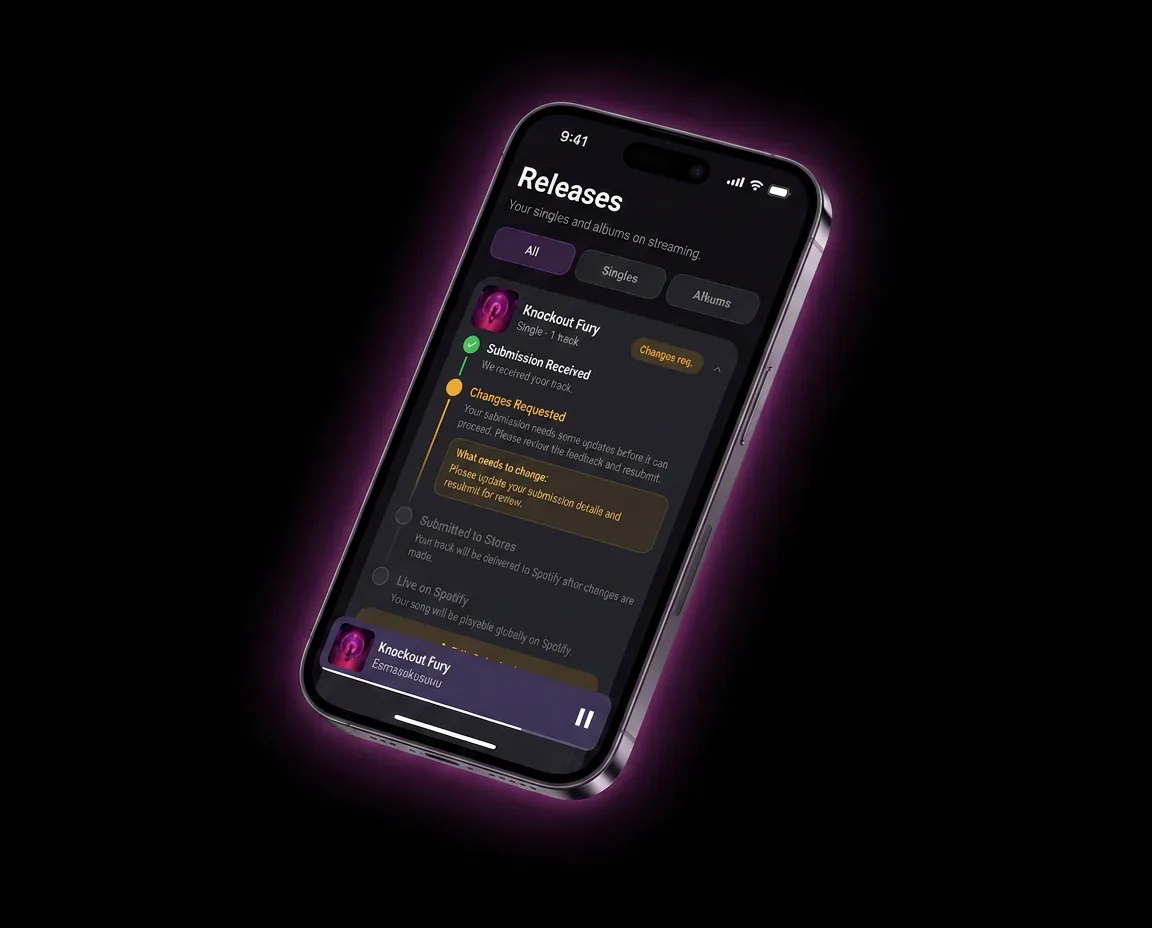
Banger is built specifically to get independent artists' music onto every major streaming and download platform without the complexity of dealing with each service individually. You upload your track once, and Banger handles distribution, ISRC assignment, and delivery to stores. built-in promo tools like pre-save links makes it easier to also manage the pieces most artists get stuck on — cover art formatting, release scheduling, and metadata — so your release doesn't get rejected or delayed. Pricing is $24.99/year, with no need to juggle multiple accounts across platforms.
FAQ
Can I sell my music online without a distributor?
You can sell direct downloads through platforms like Bandcamp without a distributor, since Bandcamp lets artists upload directly. However, you cannot get your music onto Spotify, Apple Music, or other major streaming platforms without going through a distributor — those platforms don't accept direct uploads from individual artists.
How much does it cost to sell music online?
Costs vary by channel. Distributors typically charge either a flat annual/per-release fee or take a percentage of royalties, Bandcamp takes a small percentage plus payment processing fees, and selling directly from your own site mainly costs you a payment processor fee. See best music distribution services for a breakdown of common pricing models.
Do I need an ISRC code to sell music online?
Yes, if you're distributing to streaming platforms — an ISRC code is how those platforms track your song and attribute royalties correctly. Most distributors, including Banger, generate one for you at no extra cost as part of the upload process.
What file format do I need to sell music online?
Streaming platforms and most distributors require WAV files, not MP3s, since WAV is uncompressed and preserves full audio quality. Keep your final master as a WAV export at minimum 16-bit/44.1kHz.
Is Bandcamp better than streaming for making money?
Bandcamp typically pays artists a much higher percentage per sale than streaming pays per play, since it's a direct purchase rather than a royalty pool split across billions of streams. However, streaming platforms have far greater discovery potential, so most artists use both rather than choosing one.
How long does it take for my music to go live after I upload it?
This varies by distributor and platform, but it's typically a matter of a few days up to about a week for most stores once your release is submitted and approved. Submitting well ahead of your target release date — ideally several weeks — gives you buffer time for review and lets you pitch for playlists before launch.
Start Selling Your Music Today
You don't need a label to sell music online — you need clean assets, the right distributor, and a plan to reach the platforms your fans already use. Banger handles the distribution side so you can focus on the music. [Get started at SIGNUP_URL].