Album Cover Art Guide
Album cover art must be a square image, at least 3000x3000 pixels, in RGB color mode, saved as a JPG or PNG file, with no promotional text, URLs, social media handles, or contact information on it. Getting this wrong is one of the most common reasons independent releases get rejected or delayed by streaming platforms, so it's worth getting right before you submit.
This guide covers the exact technical requirements, platform content rules, design tips, and the most common rejection reasons so your release goes live without delays.
Album Cover Art Size and Technical Requirements
| Requirement | Spec |
|---|---|
| Dimensions | Minimum 3000 x 3000 pixels (square, 1:1 aspect ratio) |
| File format | JPG or PNG |
| Color mode | RGB (not CMYK) |
| File size | Typically under 25-40MB depending on platform/distributor limits |
| Resolution | 72 DPI minimum is generally accepted; higher doesn't hurt |
| Shape | Must be a perfect square — non-square images get cropped or rejected |
Always aim for 3000x3000px even if a platform technically accepts smaller images — this ensures your art looks sharp across every context, from a tiny mobile thumbnail to a full-screen "Now Playing" display, and it future-proofs your art as display sizes grow.
Platform Content Rules
Beyond technical specs, every major platform enforces content rules for what can and can't appear on cover art. Violating these is one of the top reasons artwork gets rejected during distribution review.
Not Allowed on Cover Art
- URLs or website addresses (e.g., "www.yourband.com")
- Social media handles (e.g., "@yourartistname")
- QR codes
- Contact information (phone numbers, emails)
- Prices or purchase prompts ("Buy now," "Available now")
- Excessive or unrelated text beyond the essential artist/title info
- Copyrighted images you don't have rights to use (movie stills, unlicensed photos, other artists' logos, etc.)
- Streaming platform logos (you cannot put the Spotify or Apple Music logo on your own cover art)
- Misleading content, such as implying an official partnership or endorsement that doesn't exist
Explicit Content Labeling
If your release contains explicit lyrics, you generally should not put an "Explicit" or "Parental Advisory" sticker directly into the artwork file itself — most platforms handle the explicit tag separately as metadata, not as an image overlay. Adding your own advisory graphic can cause inconsistency or rejection. Instead, tag the release as explicit during upload and let the platform apply its own label. See our full breakdown in explicit vs. clean tracks.
Generally Allowed
- Artist name and release title (if you choose to include text)
- Original artwork, photography, or illustration you own or have licensed
- Logos you own (your own artist/label logo)
- Abstract or minimalist designs with no text at all
Design Tips for Effective Album Cover Art
1. Make It Legible at Thumbnail Size
Most listeners will see your cover art as a tiny thumbnail in a playlist or queue before they ever see it full-size. Avoid tiny text, busy details, or subtle color contrasts that disappear when scaled down to 40x40 pixels.
2. Keep Text Minimal
If you include your artist name or title on the cover, use large, bold, legible typography. Overly decorative fonts often become unreadable at small sizes.
3. Establish Visual Consistency Across Releases
Consider a consistent visual thread — color palette, typography style, or photographic treatment — across your singles and EPs so your catalog reads as a cohesive body of work on your artist profile. This is especially useful if you're releasing frequently; see our guide on what is an EP for release-cadence strategy.
4. Use High-Resolution Source Images
Never scale up a small or low-resolution image to hit the 3000x3000px requirement — this introduces visible blur and pixelation. Start with a high-resolution photo or design file.
5. Match the Mood of the Music
Cover art is often a listener's first impression before they press play. A dark, moody EP with minimalist black-and-white art sends a different signal than a bright, saturated pop single — make sure the visual matches the sonic expectation you're setting.
6. Budget for Design If It's Not Your Skillset
If design isn't your strength, it's worth investing in a freelance designer or photographer rather than using a low-effort template. Cover art is one of the few pieces of marketing material used everywhere — playlists, social posts, merch, ads — so it's worth getting right.
Common Cover Art Rejection Reasons
| Rejection Reason | Fix |
|---|---|
| Image isn't square | Crop or redesign to an exact 1:1 aspect ratio |
| Resolution below 3000x3000px | Re-export from a higher-resolution source file |
| Contains a URL, social handle, or QR code | Remove all contact/promotional info from the design |
| Contains streaming platform logos | Remove any Spotify, Apple Music, or other DSP branding |
| Uses copyrighted/unlicensed imagery | Replace with original or properly licensed artwork |
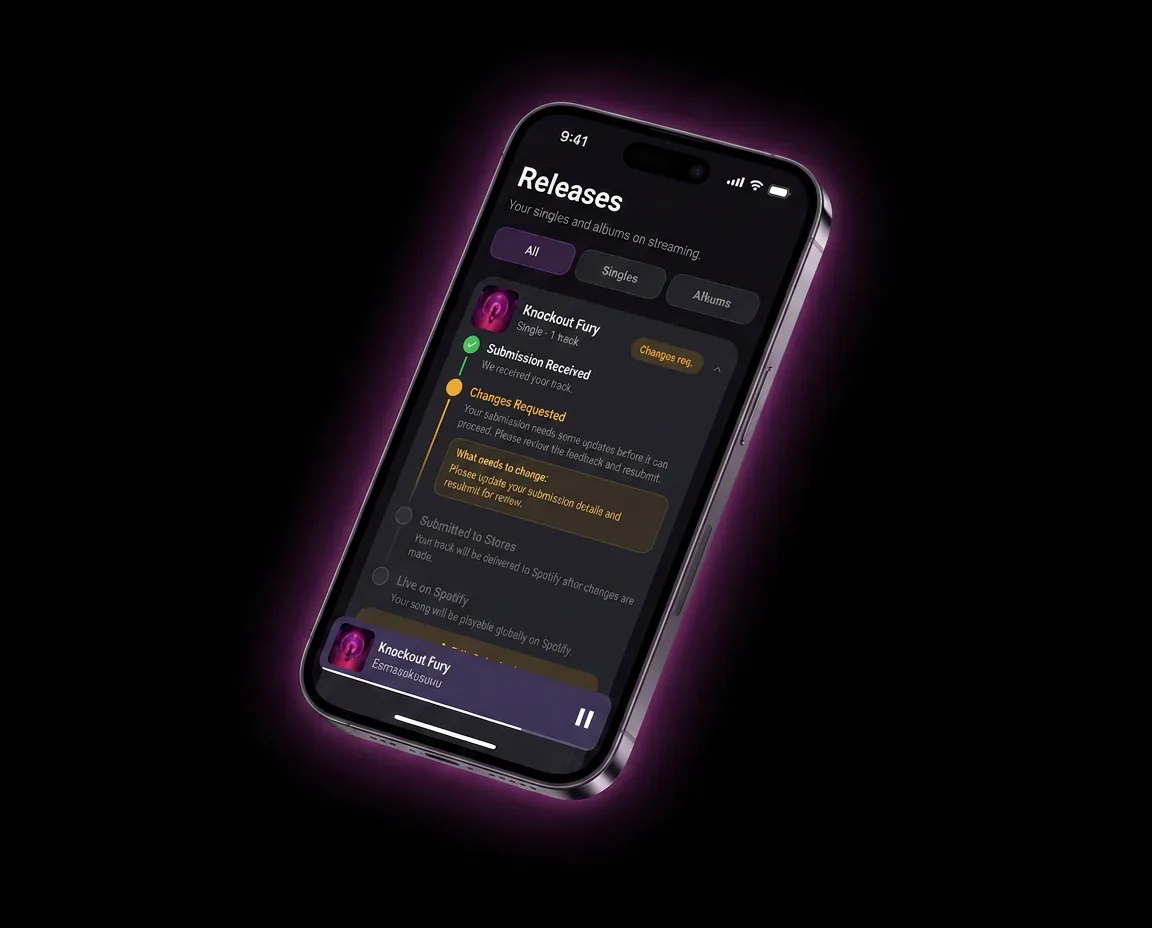
| Misleading advisory or rating graphics | Remove custom "Explicit" stickers; use the platform's metadata tag instead |
| Blurry or pixelated image | Re-export from a high-resolution original, not an upscaled file |
| File in CMYK instead of RGB | Convert color mode to RGB before exporting |
| Text is cut off or extends past the canvas | Ensure all design elements are fully contained within the square canvas |
Cover Art and Your Broader Release Checklist
Cover art is just one piece of a complete release. Make sure you've also handled:
- ISRC and UPC codes for tracking — see what is an ISRC code
- Explicit tagging, if applicable — see explicit vs. clean tracks
- Track and release format decisions — see what is an EP
- Distribution to platforms — see how to upload music to Spotify and how to upload music to Apple Music
FAQ
What size should album cover art be?
Album cover art should be a perfect square, at least 3000x3000 pixels, saved as a JPG or PNG in RGB color mode. Going below this minimum resolution risks blurry or pixelated artwork, especially on high-resolution displays.
Can I put my Instagram handle on my album cover?
No — social media handles, website URLs, QR codes, and other contact information are not allowed on cover art by most major streaming platforms and will typically get your artwork rejected. Save that kind of promotion for your social media posts and bio instead.
Why was my cover art rejected?
The most common reasons are non-square dimensions, resolution below 3000x3000px, promotional text like URLs or social handles, unlicensed/copyrighted imagery, or the inclusion of a streaming platform's logo. Review your distributor's rejection notice carefully, as it usually specifies the exact rule that was violated.
Do I need a professional designer for my album cover?
It's not required, but investing in quality design — whether DIY with strong tools or hired out — pays off since your cover art gets reused across playlists, social media, and marketing for the life of the release. If budget is tight, focus at minimum on high resolution, legible typography, and a design that's clear at thumbnail size.
Can I use AI-generated art for my album cover?
Many platforms currently accept AI-generated artwork as long as it meets standard technical and content requirements, but policies in this area are evolving quickly. Check your distributor's current guidelines before finalizing AI-generated cover art, and be cautious about using AI tools trained on copyrighted material without clear usage rights.
Does cover art need to match a specific theme for EPs vs. singles vs. albums?
There's no technical requirement that cover art style must differ by release type, but many artists use visual consistency (shared color palettes or design language) across a project's singles and its eventual EP or album to build a cohesive visual identity. This is a creative choice, not a platform rule.
Get Your Cover Art Right the First Time
Banger for Artists checks your artwork against platform requirements before you submit, helping you avoid rejections and delays. Upload your release with Banger.